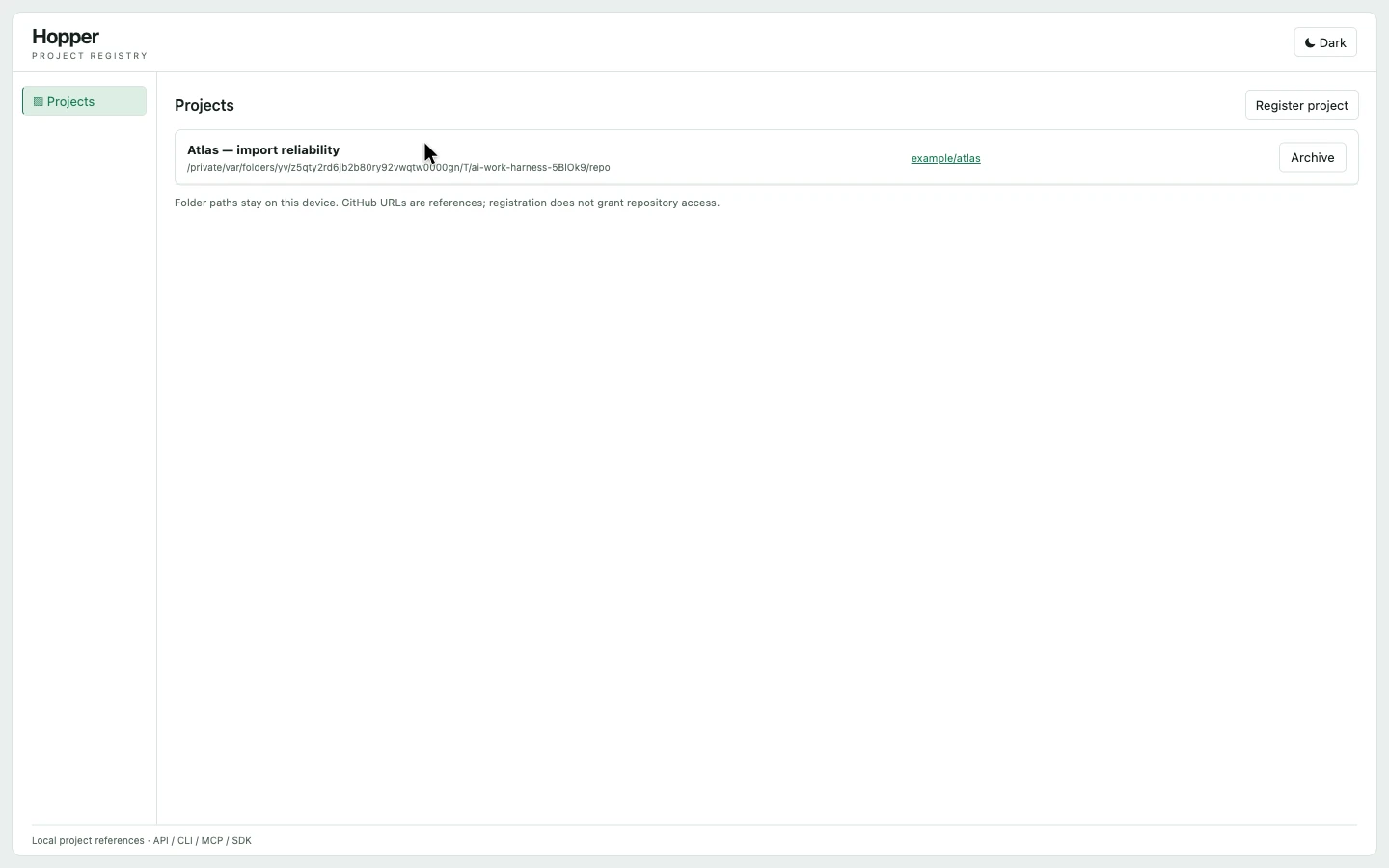
Project Registry ↗
Connect a checkout to a stable project identity, so every tool is talking about the same work.
Actual interface · Demonstration dataAI Capacity + AI Effectiveness + Project Registry + Project Understanding
Which project used them? What did you already try? What could your next change affect? Connect usage, conversations and code—and give your agent a trail it can actually follow.
Choose a question. See the answer take shape.
Each bar leads to a work session. The project ID is what keeps the total connected to Beacon.
WHAT YOUR AGENT CAN HELP YOU SEE
244,000 tokens were recorded in Codex sessions and 96,000 in Claude. Open the session evidence to see the work behind those totals, all tied to the same Beacon project.
Add inbox search: 180,000 tokens (Codex)
Investigate stale search results: 96,000 tokens (Claude)
Build CSV export: 64,000 tokens (Codex)
Recorded usage is a measure of consumption. It does not, by itself, measure value or quality.
Input + output; cached input is not counted twice. These are synthetic complete records for this example.
projects.resolveunderstanding.workHow the pieces connect
Registry supplies project identity. Effectiveness joins sessions and Capacity observations. Understanding adds captured source. Your agent follows the references across them.
Actual apps. Shared context.
Connect a checkout to a stable project identity, so every tool is talking about the same work.
Actual interface · Demonstration data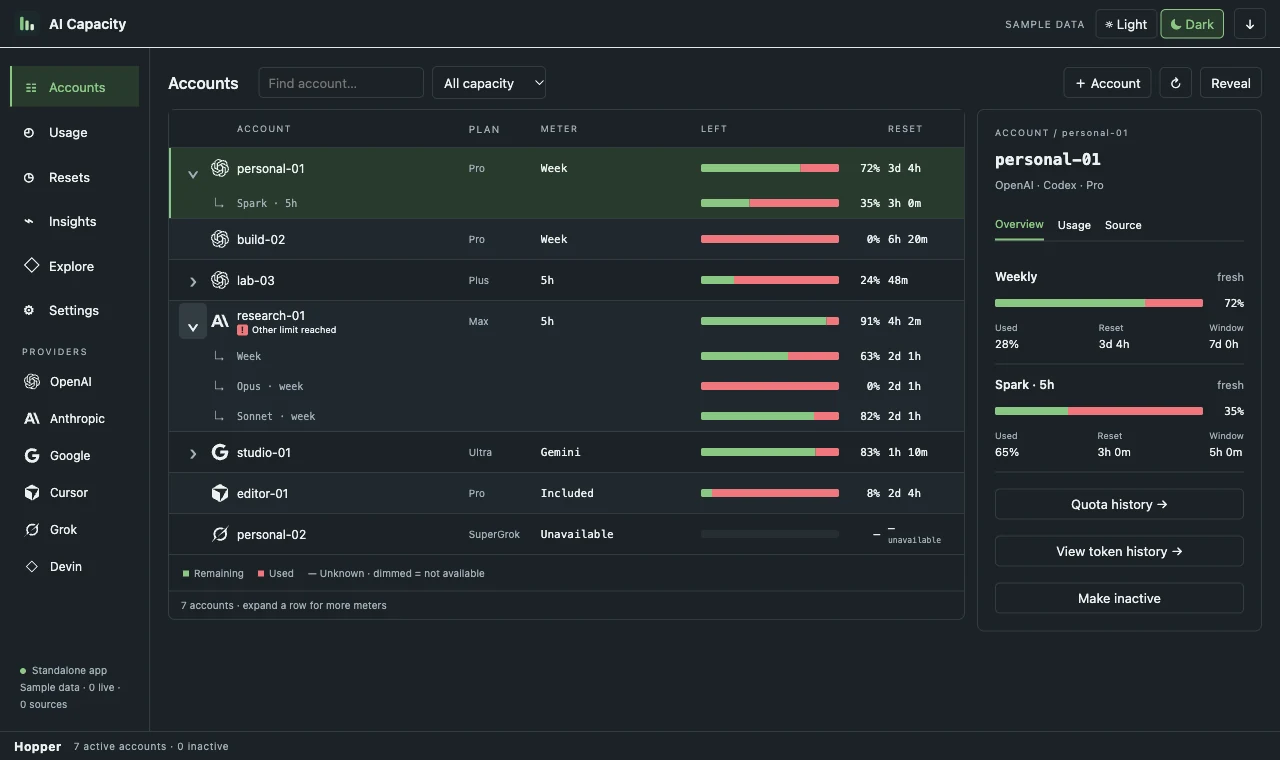
See recorded token usage, account allowances and reset times, with missing readings kept visible.
Actual interface · Demonstration data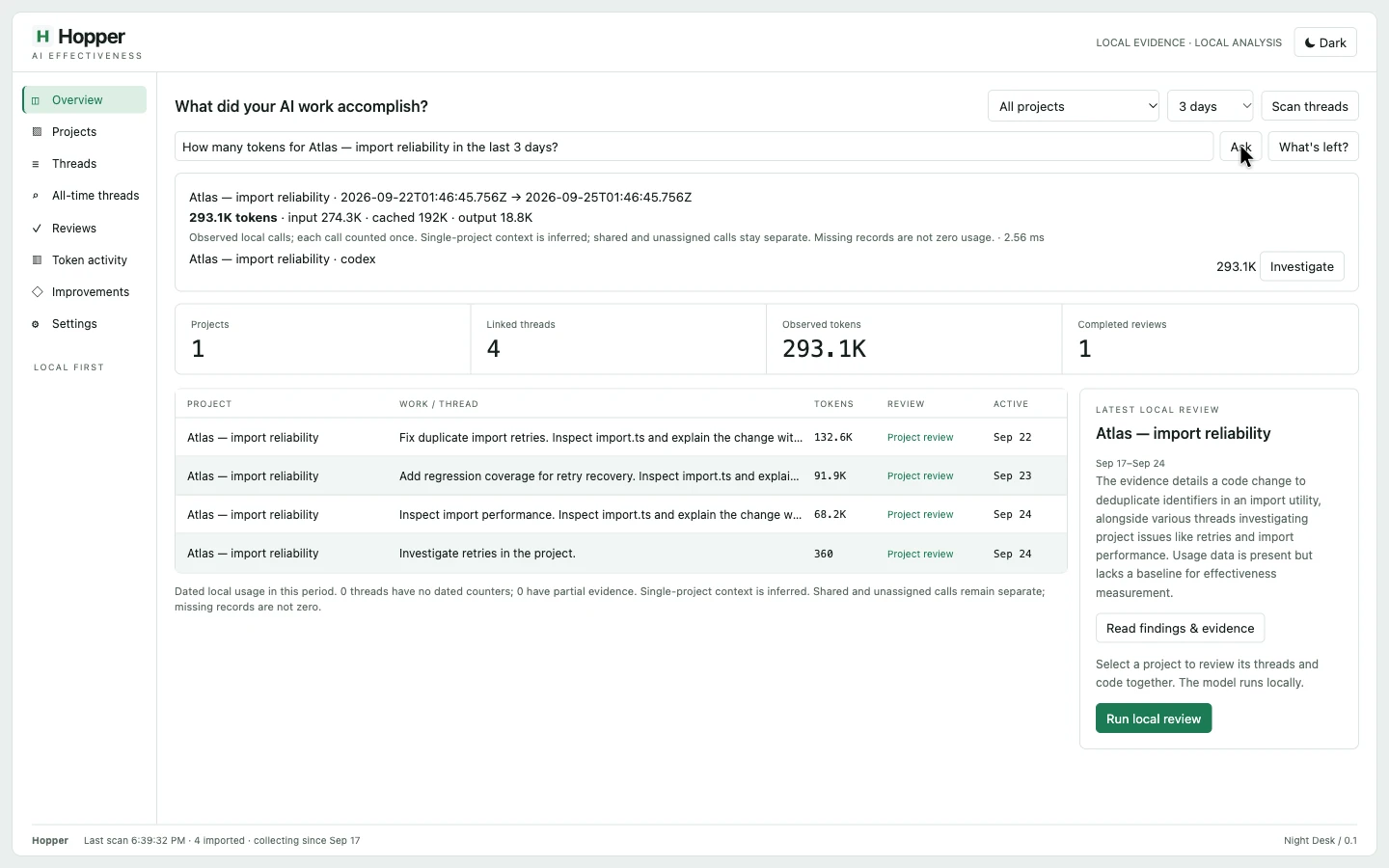
Link recorded AI sessions and tokens to registered projects. Follow the threads and review outcomes against evidence.
Actual interface · Demonstration data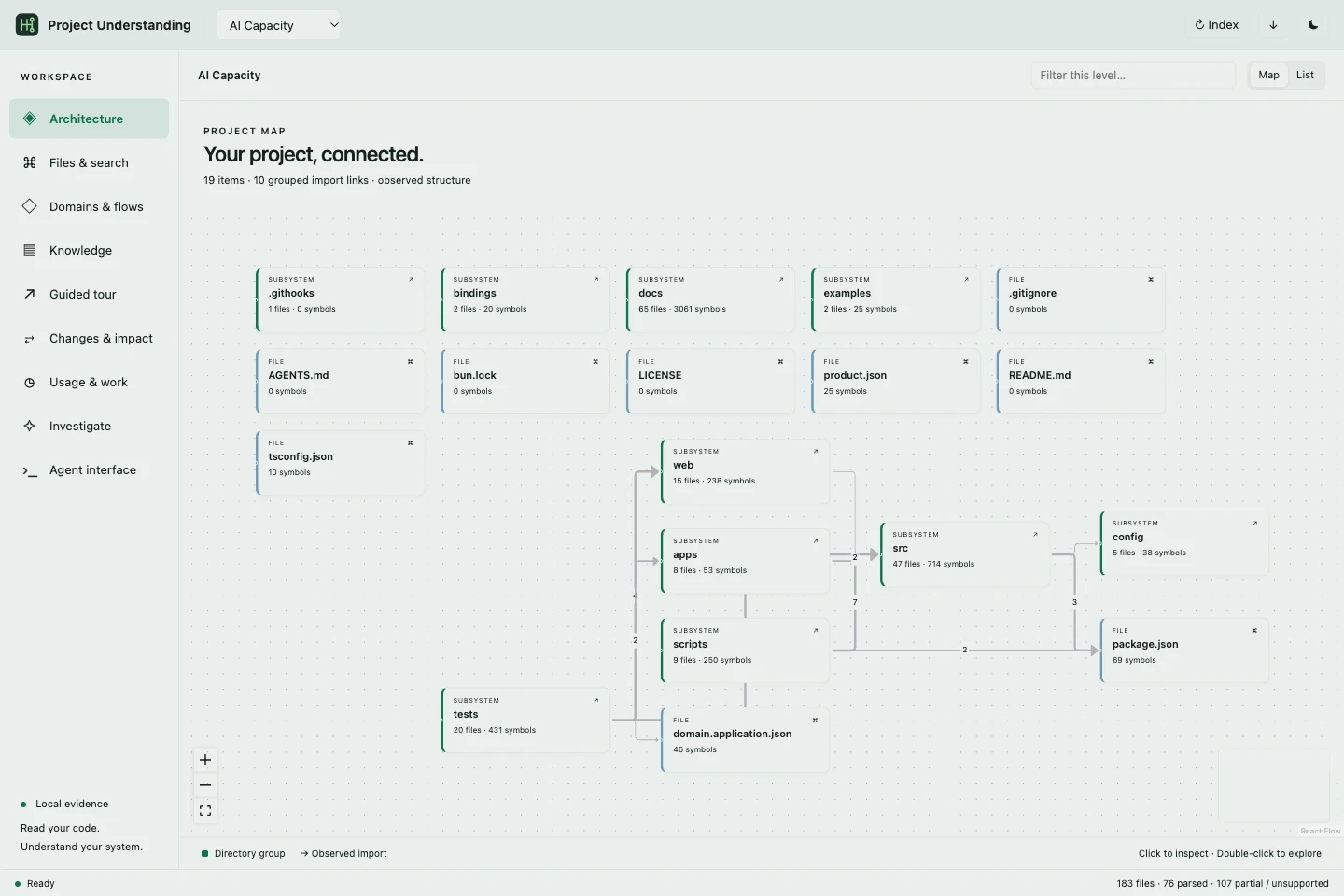
Explore captured source, dependencies and changes alongside usage and thread evidence. Ask for a cited explanation.
Actual interface · Hopper source structureUse it in your own workflow
Resolve a registered project and collect the history you choose. With its source explicitly indexed, one investigation can return work evidence, captured source and the gaps your agent still needs to check.
Use the typed SDK, CLI, HTTP API or MCP. Request a model explanation explicitly when you want one.
import { createUnderstandingClient } from '@hopper/project-understanding/client';

// Your authenticated transport to the local owner.
const app = createUnderstandingClient(authenticatedFetch, ownerUrl);
const result = await app.invoke('understanding.investigate', {
  "projectRef": "project:beacon-demo",
  "question": "Show me the work behind inbox search.",
  "from": "2026-09-21T00:00:00.000Z",
  "to": "2026-09-24T00:00:00.000Z",
  "explain": false
});
// Follow result.evidence; inspect result.work and result.gaps.
// explain: true explicitly requests a Studio model interpretation.
CLI from the Project Understanding checkout, with the same request saved as request.json:
bun src/cli.ts understanding.investigate --input request.json