Recognize a sender at a glance
Add a visual cue beside the sender name. Spot a familiar company icon before reading the full sender name.
MailHopper Labs
Recognize a sender, follow the conversation and keep the next action close. Thoughtful details and useful connections make everyday mail feel easier.
What makes it useful
Add a visual cue beside the sender name. Spot a familiar company icon before reading the full sender name.
Keep the reply in context. Read and reply with the thread beside the work you are doing.
Retain unfinished composition. Return to a saved draft without reconstructing what you meant to say.
One useful connection
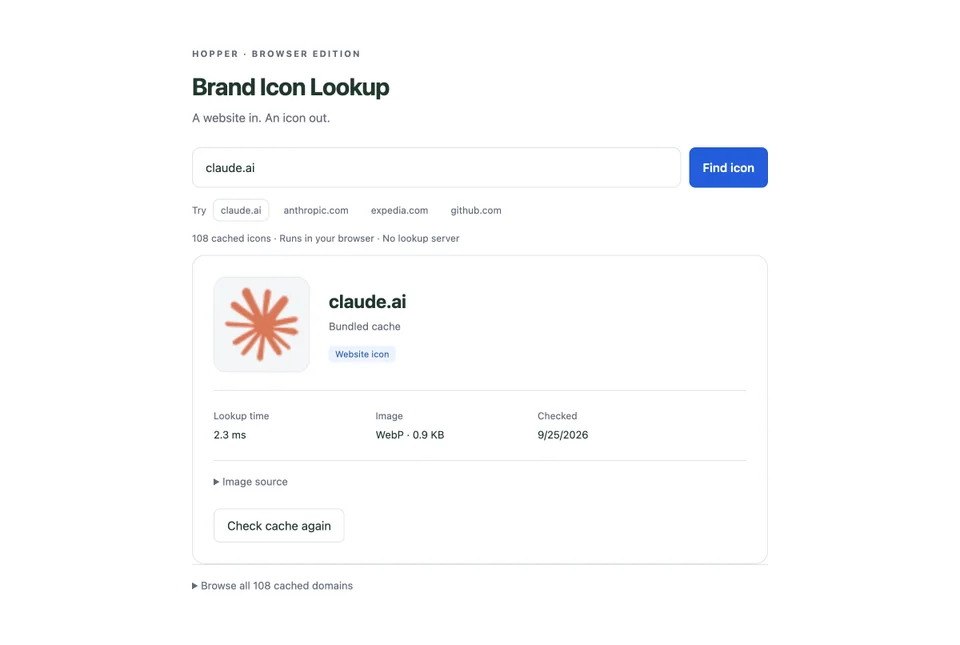
Company icons give a busy inbox familiar landmarks. The Claude, GitHub and Expedia marks shown here come from Brand Icon Lookup, a small service the rest of the workspace can use too.
Useful alone. Better together.
Mail uses Brand Icon Lookup to give company and product messages a recognizable identity. Names remain clear, and the same assets can serve the rest of your workspace.
A closer look
The capability, the action, and what it means for you.
| Feature | What you can do | Why it matters |
|---|---|---|
| Recognizable brand/product icons | What you can doAdd a visual cue beside the sender name. | Why it mattersSpot a familiar company icon before reading the full sender name. |
| Focused reading and drafting | What you can doKeep the reply in context. | Why it mattersRead and reply with the thread beside the work you are doing. |
| Local draft behavior | What you can doRetain unfinished composition. | Why it mattersReturn to a saved draft without reconstructing what you meant to say. |
| Multiple accounts | What you can doBring account conversations into one workspace. | Why it mattersMove between inboxes with less friction. |
| Folders and views | What you can doOrganize messages in the way you work. | Why it mattersReach the relevant conversation sooner. |
| Connected actions | What you can doCarry useful context into contacts, calendar and tasks. | Why it mattersKeep the next step attached to the conversation. |
6 capabilities
All sample messages are fictional and created by Hopper. Company names and icons illustrate the interface; they are not endorsements or real correspondence.