Learn the keys, step by step
Step forward and backward through a method. Return to the exact step that changed the result and try the calculation again.
CalculatorHopper Labs
Explore financial, scientific and graphing calculators in one beautifully focused workspace. Follow the keys, revisit a step and discover what changes when you try a different approach.
What makes it useful
Step forward and backward through a method. Return to the exact step that changed the result and try the calculation again.
Enter a structured financial scenario. Change a rate, payment or term and understand how it affects the answer.
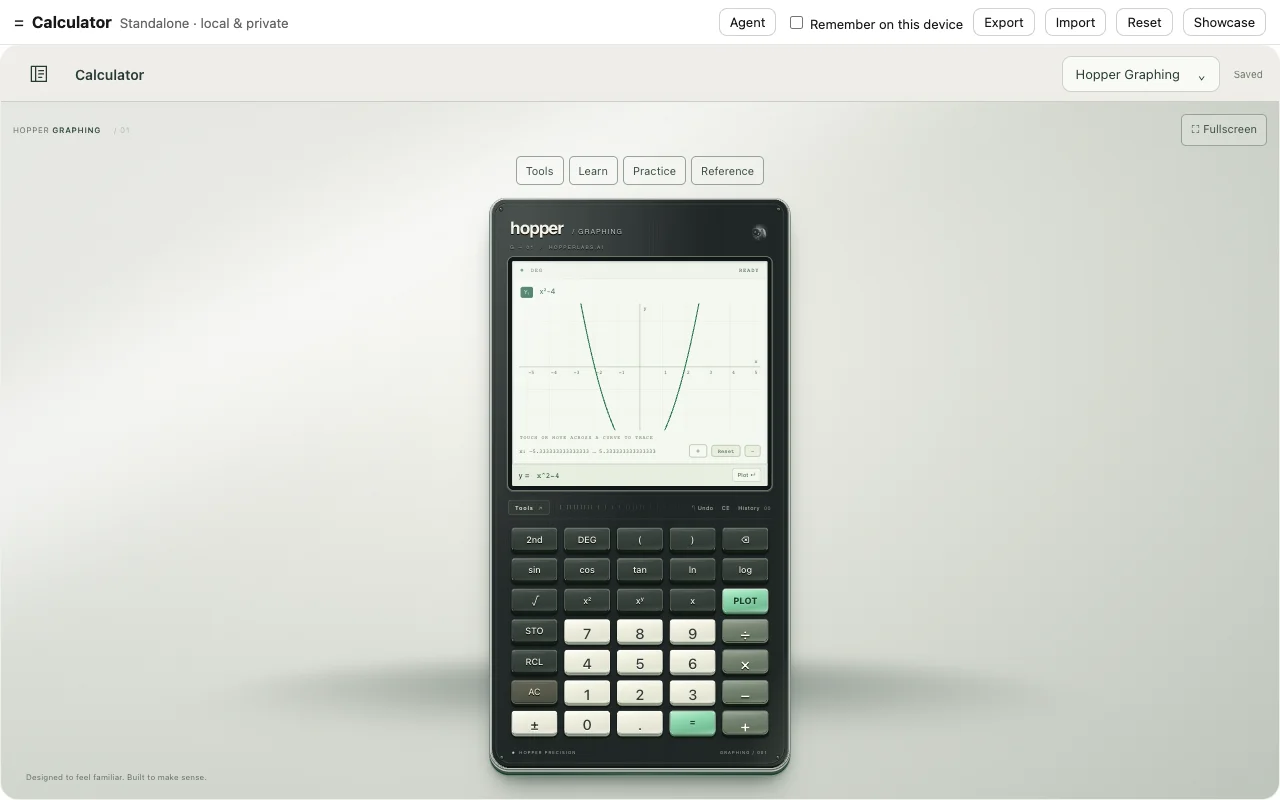
Inspect different representations. Move between calculation and graph to connect the procedure with the relationship it describes.
Financial, scientific and graphing
A graph gives the calculation another dimension. Move from entering an expression to exploring its shape, then return to the financial or scientific instrument when the problem calls for it.
Useful alone. Better together.
Keep the method with your notes and bring the calculation into the workbook where you use it.
A closer look
The capability, the action, and what it means for you.
| Feature | What you can do | Why it matters |
|---|---|---|
| Guided key replay | What you can doStep forward and backward through a method. | Why it mattersReturn to the exact step that changed the result and try the calculation again. |
| Financial tools | What you can doEnter a structured financial scenario. | Why it mattersChange a rate, payment or term and understand how it affects the answer. |
| Graphing and scientific models | What you can doInspect different representations. | Why it mattersMove between calculation and graph to connect the procedure with the relationship it describes. |
| Familiar practice models | What you can doExplore supported layouts alongside Hopper originals. | Why it mattersPractice the way you intend to work. |
| History and snapshots | What you can doRetain a calculation and return to it. | Why it mattersCompare attempts without starting over. |
| Specialized tools | What you can doWork with fractions, bonds, matrices and more. | Why it mattersKeep related calculations in the same workspace. |
6 capabilities
Try the app with demonstration data in your browser. Demo availability does not imply a published native release.
Calculator